

Appearance
What is PixelAI?
Last updated 23 Nov 2026
PixelAI stores your business documents, such as invoices, receipts and contracts, and reads them so you can search them, pull out their data or ask questions about them.
What you can do
| Part of the app | What it's for |
|---|---|
| HelloDocz | Upload, organize, search and share files, and extract data into tables. |
| AI Chat | Ask questions about your documents. |
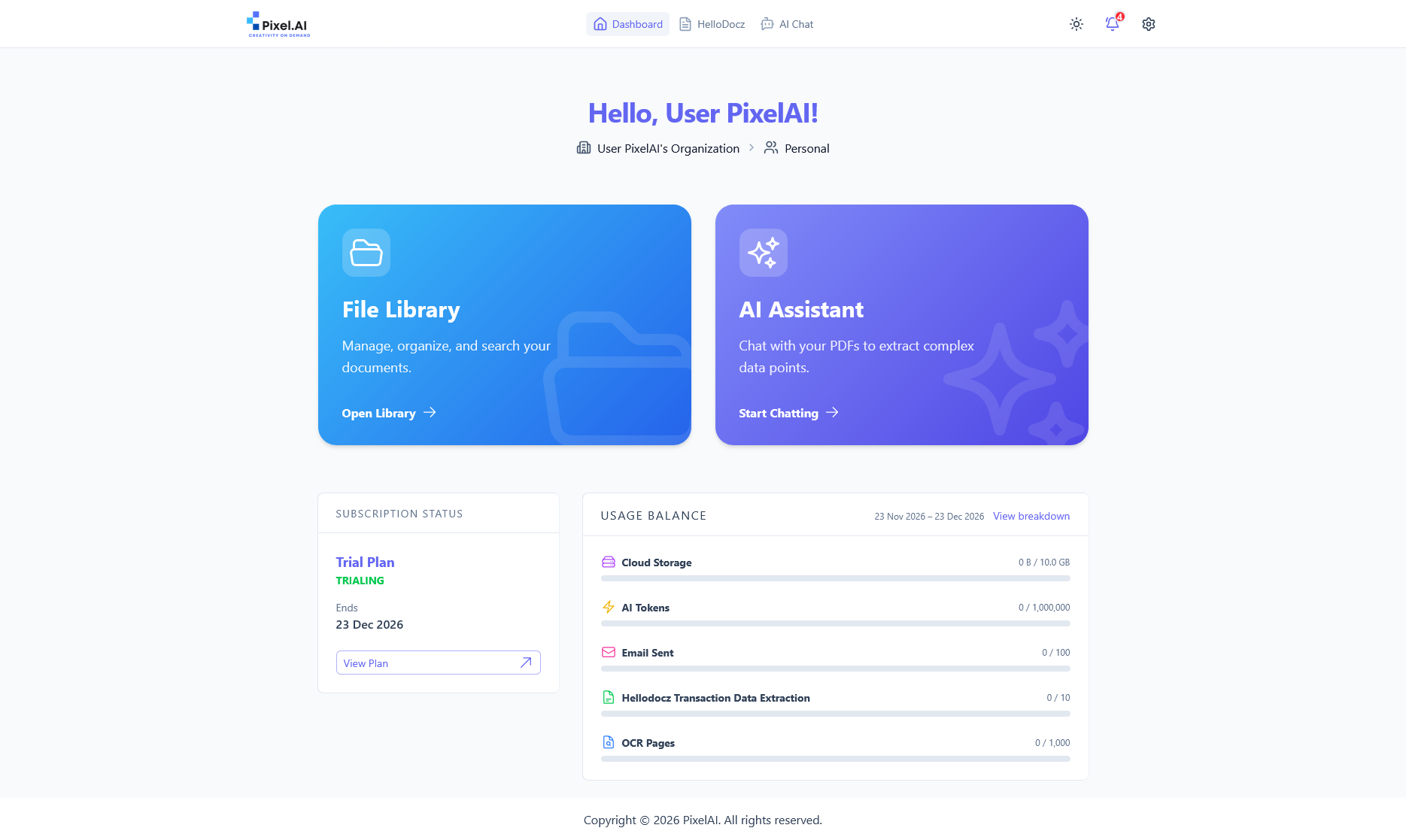
| Settings | Your profile, organization, members, workspaces and billing. |
HelloDocz and AI Chat are on the top bar, and Settings is the icon at the top right. In this guide, Settings → Workspaces means: click the Settings icon, then Settings, then Workspaces.
How a document moves through PixelAI
- Add it. Upload the file to HelloDocz, or import it from SharePoint or OneDrive.
- Content reading. PixelAI indexes the file, usually on its own after upload. Once indexed, you can search its content and ask AI Chat about it.
Organization
The organization is the main account that holds all your workspaces and files, and it's what gets billed. Everyone who signs up gets their own organization, even if they were invited to someone else's.
| Role | Who | What they can do |
|---|---|---|
| Owner | The person the organization belongs to | Everything, including inviting people and billing |
| Member | Someone invited for the long term | Uses a paid seat |
| Guest | Someone invited for a trial period, e.g. to try PixelAI before you give them a seat | Uses no seat. Access ends after a set number of days, like a trial |
Workspace
A workspace is an area inside an organization, similar to how each department keeps its own files. For example, Finance and HR can each have a workspace, with its own files, chats, tags and document types. You only see the workspaces you've been added to.
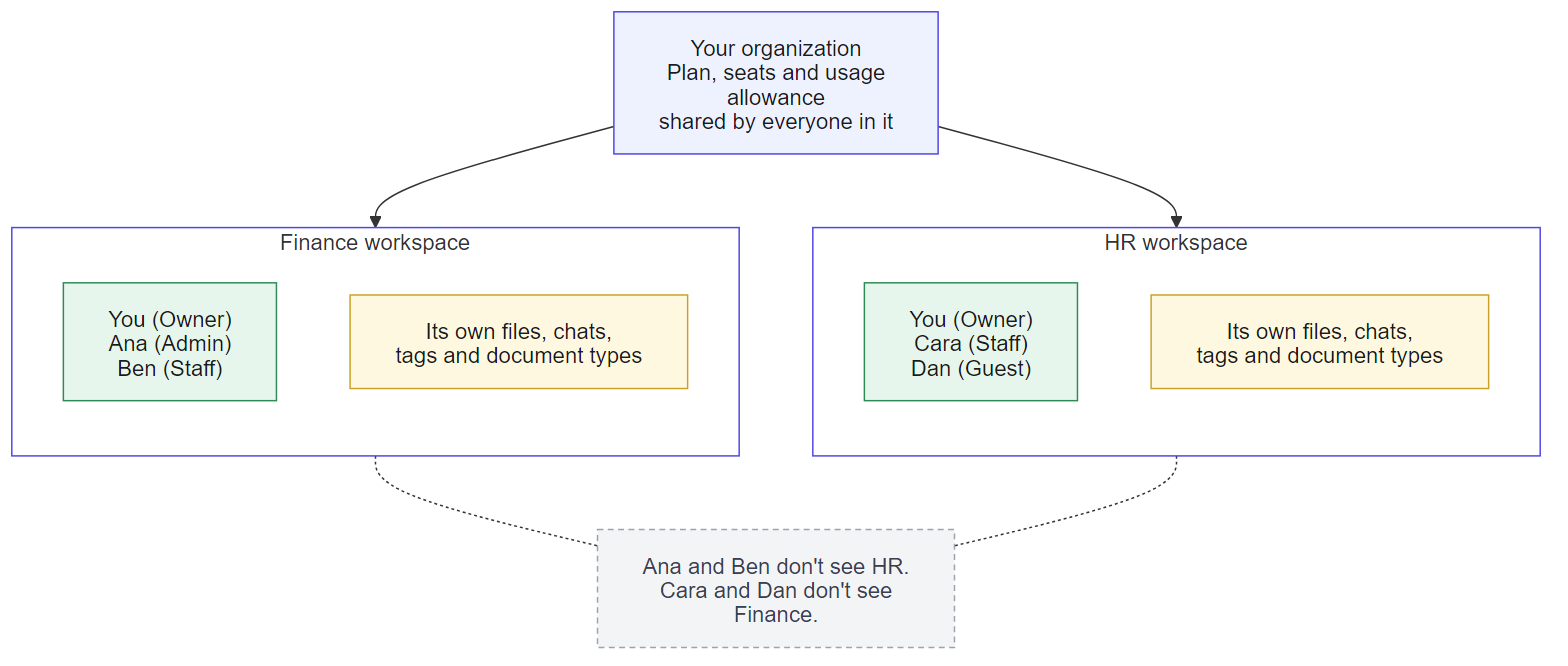
To change workspace, click the Settings icon (top right) → Switch workspace.
| Role | What they can do |
|---|---|
| Owner | Rename or delete the workspace, manage its tags and file settings, and everything an Admin can do |
| Admin | Add and remove people, and change their role and features |
| Staff | Work with files and chats |
Words you'll see
- OCR: reading text from scanned documents and photos.
- Extraction: pulling a document's data, e.g. invoice number, date and line items, into a table.
- Document type: a kind of document, e.g. Invoice, with the data fields you expect in it.
- Field: a name and value you add to a file yourself, e.g. Client: Acme.